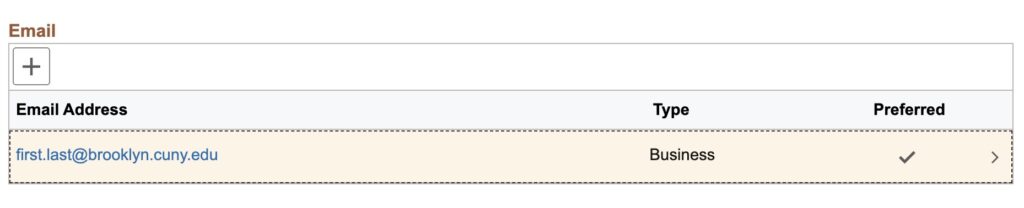
How do I change my preferred email address in CUNYfirst? Log in to CUNYfirst From the CUNYFirst Main Menu go to Employee Self Service > Personal Details > Contact Details > Email 3. Add or select your preferred email address and click Save. Tagged: Email Related Articles Microsoft 365 Email Quick Tips How do I turn off Focused Inbox filtering? How to stop Outlook from automatically creating Teams meetings? How do I change my name on my M365 email account? Using mail merge from a shared mailbox How do I setup a signature in M365?