
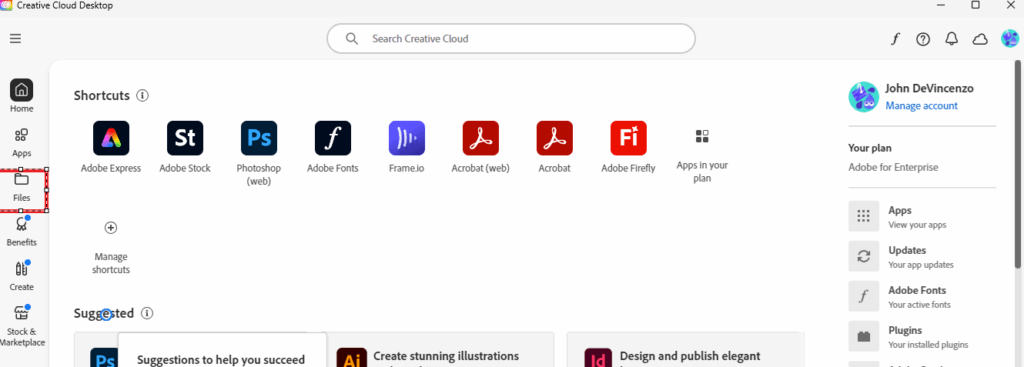
- Load Creative Cloud Desktop application and click Files on the left side navigation bar.
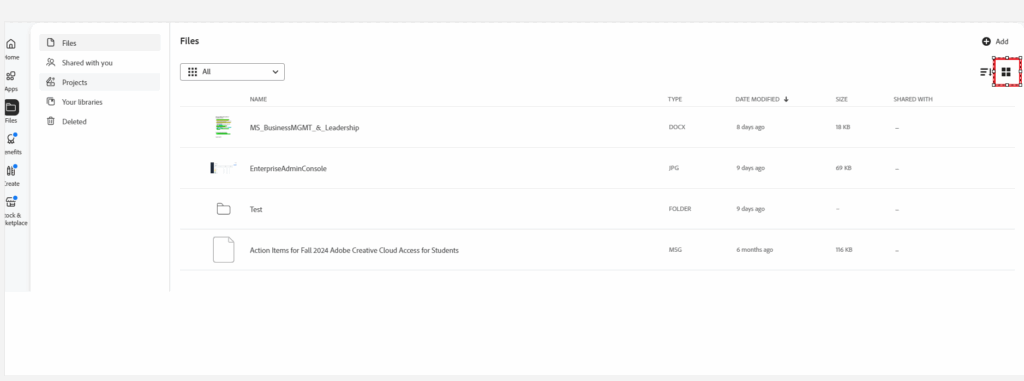
- If not selected on the top right please click to select List view.
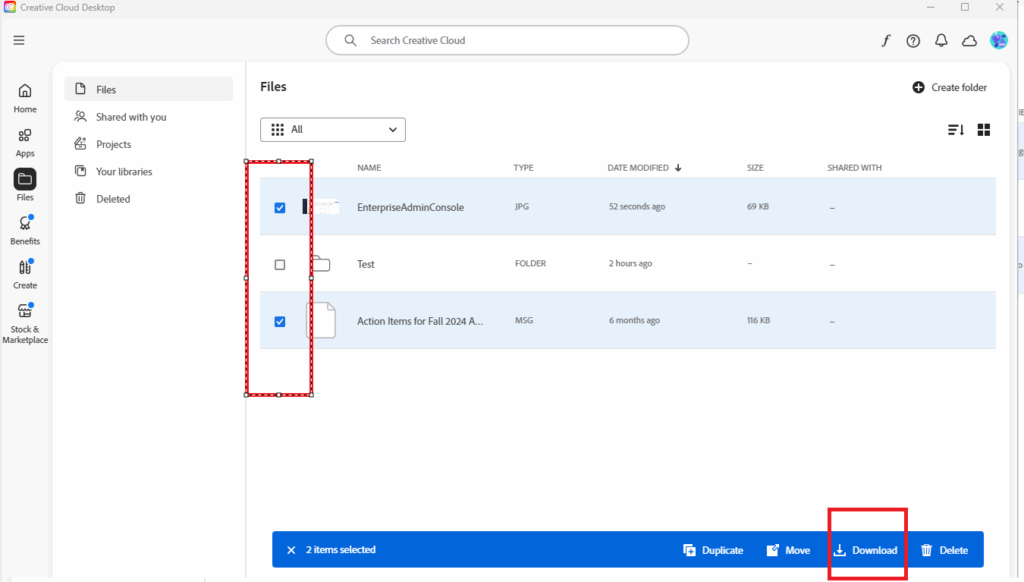
- Select the file to download and the bottom blue bar click download.
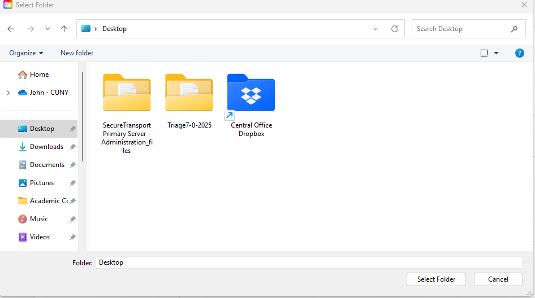
- Choose the folder or create a new one where you want to store these file(s) and click select folder. This step takes time to download all the files.
- Please verify that all the files have been downloaded into that folder after this step is completed. It may take some time, depending on the number of files.
- Once completed, you should permanently delete your files from Adobe Cloud.