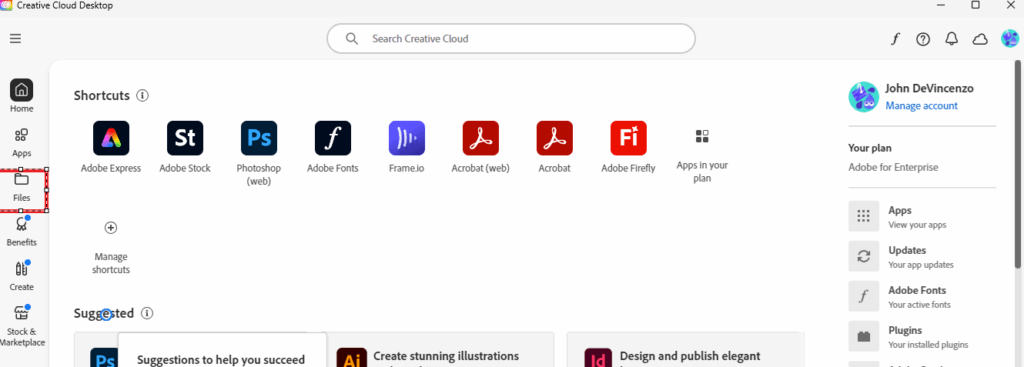
- Load the Creative Cloud Desktop application and click Files on the left side navigation bar.
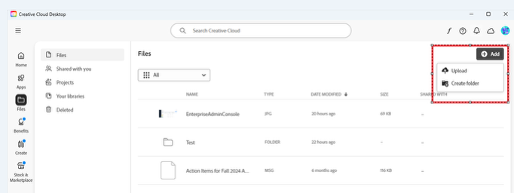
- Click the Add button on the top left and choose Upload.
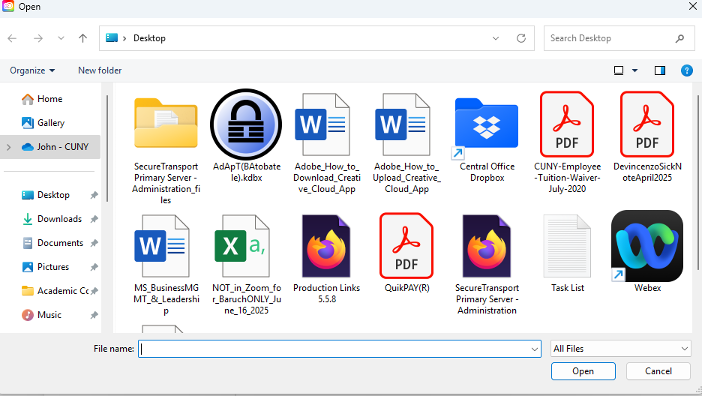
- Find the location of the files, select them all, and click Enter or Open.
Note: You can hold down the shift button and click each file individually, or click on one file and hit Ctrl-A to select all files in that folder.