
SharePoint is an intranet platform for securely managing and sharing content and documents, included with your CUNY Microsoft 365 account. You can use SharePoint to create internal web pages, restricted to select groups of employees and students throughout Brooklyn College and CUNY (secured by CUNY Login). SharePoint also connects with existing Microsoft Teams, OneDrive, and Microsoft 365 tools and services.
How to create a new SharePoint site
- Open SharePoint
- Sign in with your CUNY Login
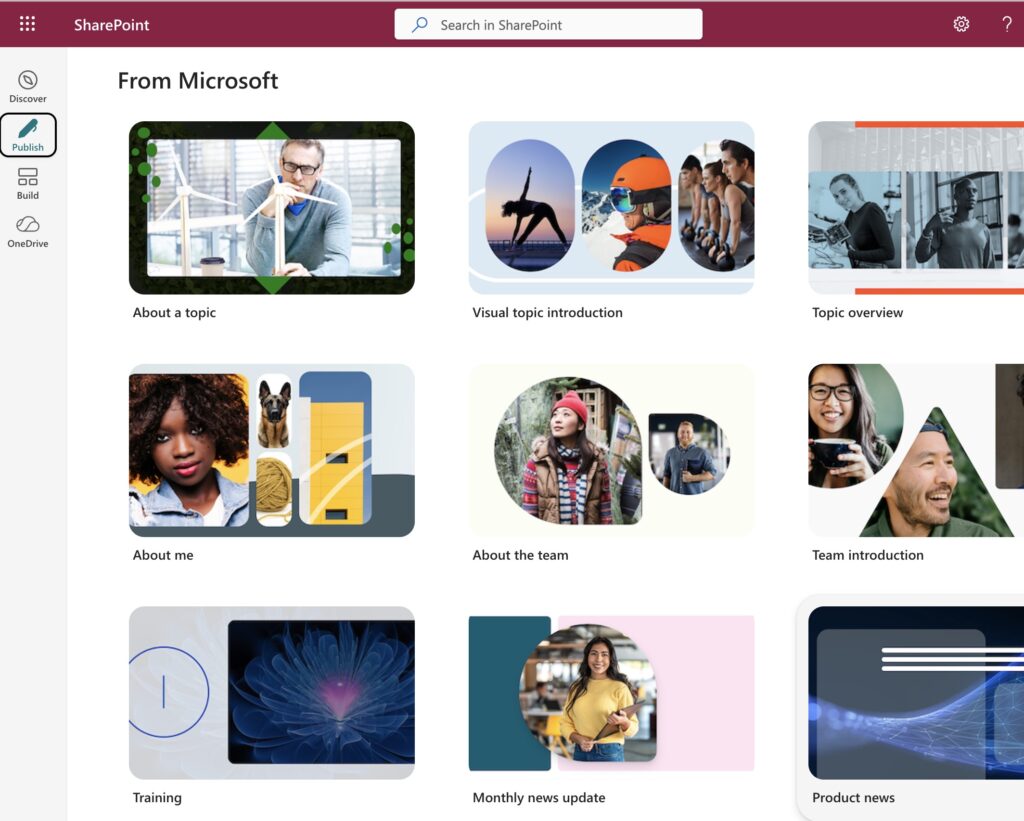
- Select the Publish option
- Choose one of the page templates or select Create blank (at the top) to work from an empty page
Training Options
- Microsoft SharePoint help and learning site
- SharePoint 2026: Full Beginner’s Guide to Site Building (50 min)
- How to Use Copilot in SharePoint (YouTube – August 2026)
- Get started with Microsoft SharePoint Online (by Microsoft)